Reduce eye strain with home lighting: Tips for comfort
"The right light shouldn't just illuminate a room; it should protect your vision from the constant strain of modern living."
To reduce eye strain with home lighting, you must balance ambient brightness with task-specific illumination to prevent glare and harsh contrasts. This guide focuses on managing light levels, managing shadows, and maintaining equipment to ensure long-term visual comfort.
Key takeaways include managing brightness levels, checking for glare, and scheduling regular maintenance for electronic lighting components.
How can I reduce eye strain with home lighting?
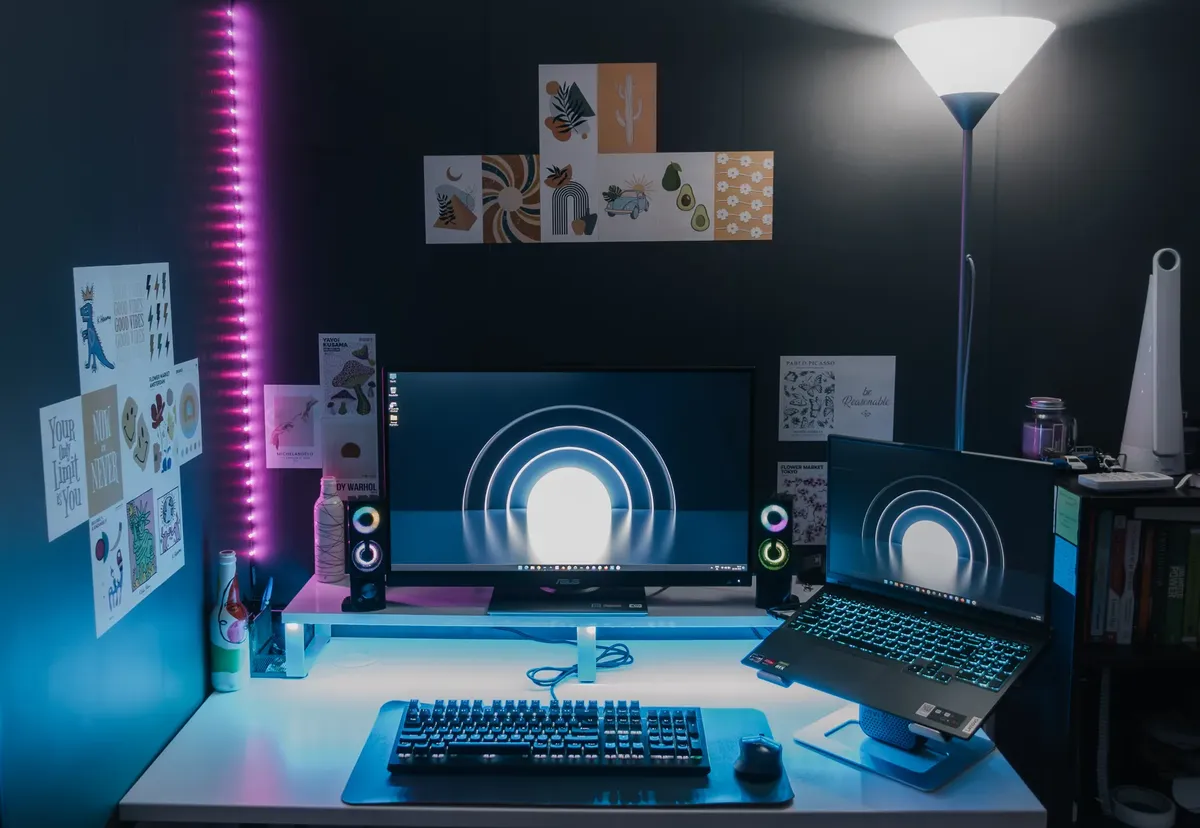
At my wooden desk, I squint against the sudden glare from the ceiling to reduce the ache in my tired eyes.
A person sits at a wooden desk, squinting against the harsh glare of a single overhead bulb. To mitigate this, you should layer your lighting to avoid sharp contrasts between bright spots and dark corners.
For less eye fatigue, an effective lighting setup uses multiple light sources to create a soft, even glow throughout the space. Instead of relying on one bright lamp, use ambient light to fill the room while using task lamps for specific activities like reading or working.
This prevents the eyes from constantly adjusting to extreme changes in brightness.
When you adjust your environment, aim for consistent light distribution. If a single bright light source is the only thing illuminating a dark room, the pupils will struggle to settle, causing fatigue.
By spreading light across different heights and corners, you create a more stable visual environment.
- Minimize glare by positioning lamps away from direct reflections on screens.
- Use layered lighting to avoid harsh shadows and high-contrast zones.
- Match the brightness of your ambient light to the brightness of your digital devices.
What are the best home lighting for eyes settings?
At dusk, I reach for the dimmer switch in the living room to reduce the harsh glow that makes my eyes sting.
A student reaches for a desk lamp to illuminate a textbook while the rest of the room remains dimly lit. Finding the right balance means ensuring that the light hitting your work surface does not create a blinding reflection on screens or glossy paper.
The best home lighting for eyes involves choosing bulbs with a color temperature that suits the task. For work, a cooler, brighter light can help with focus, while warmer tones are better for relaxation in living areas.
Avoid mixing very different color temperatures in the same immediate field of vision to prevent visual confusion.
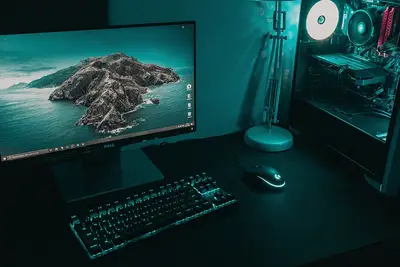
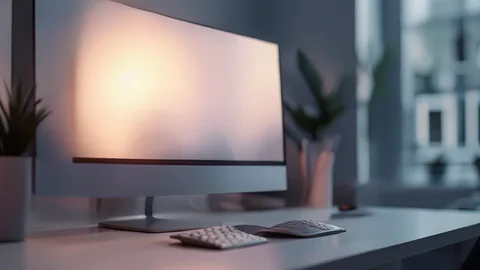
Properly positioned task lighting is essential for those spending long hours at a computer. Place lamps so that the light source is not directly in your line of sight or causing a reflection on your monitor. This prevents the constant squinting that leads to headaches and ocular fatigue.
In this sequence, the second step is the most critical for maintaining comfort.
How to set home lights right for different tasks?
Late at night, I lean over my desk to adjust the lamp, hoping to reduce the shadows that blur my vision.
A professional adjusts a flexible neck lamp to point away from a computer screen during a late-night session. Setting up specialized zones allows you to switch between high-focus work and relaxed downtime without moving heavy furniture.
To implement effective eye comfort lighting tips, follow these steps to organize your space:
- Identify task zones such as reading nooks, workstations, or dining areas. 2. Install dimmable switches to allow for manual control over brightness levels. 3. Position task lamps to the side of your workspace to minimize direct glare.
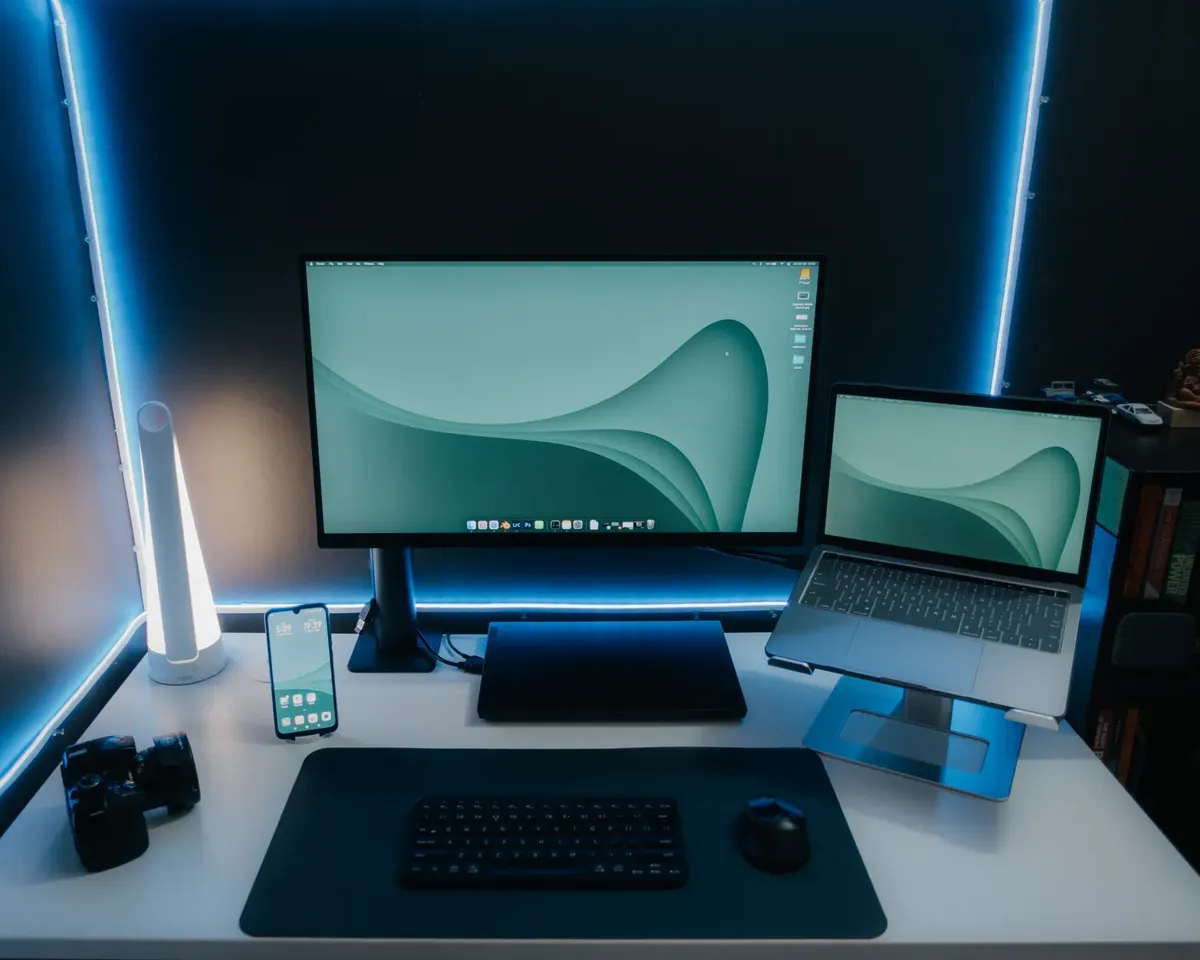
After setting these zones, perform a final check by looking at your primary work surface from your seated position. If you see a bright "hot spot" or a reflection of the bulb, reposition the lamp or use a shade to diffuse the light.
How do I manage light-related eye discomfort?
An individual rubs their tired eyes after staring at a bright lamp for several hours. If you already experience discomfort, you must address the relationship between your environment and your visual health.
If you have a specific condition like light sensitivity, you may need to use frosted bulbs or shades to soften the output. Using indirect lighting, where light bounces off a wall or ceiling, can provide a much gentler illumination than direct bulbs.
This technique helps in managing the intensity of light hitting the retina.
I once tried to work with only a bright desk lamp in a dark room, and the contrast made my eyes ache within minutes. This experience taught me that ambient light is just as important as the task light itself.
| Lighting Type | Primary Benefit |
|---|---|
| Ambient Lighting | Provides even coverage to reduce contrast |
| Task Lighting | Focuses light on specific work areas |
A limitation of these methods is that they cannot fully compensate for pre-existing medical eye conditions that require professional intervention.
How to maintain light fixtures and electronics?
A homeowner inspects a flickering ceiling fixture to ensure the bulb is seated correctly. Maintaining the hardware is just as important as the placement to ensure consistent light quality.
Regularly cleaning dust from bulbs and shades is a simple way to maintain brightness without increasing power. Dust buildup can change the color temperature and cause uneven light distribution. For electronic lighting systems, ensure that all connections are secure to prevent flickering.
Flickering light is a major cause of eye strain and can trigger migraines. If a bulb or fixture begins to flicker, replace it immediately to maintain a stable visual environment. Keeping your hardware in good condition ensures that the light remains steady and soothing.
Related
- Reduce eye strain with home lighting: Manage visual fatigue
- Eye strain friendly meal plan guide with 30 minute onset
When should I consider upgrading my light sources? When the current light sources fail to provide the desired visual comfort, an upgrade may be necessary. If the light output is consistently insufficient, even after optimizing placement, a brighter bulb might be required. Conversely, if the light feels overly intense, switching to bulbs with a lower lumen output could provide the right light for sensitive eyes. This adjustment ensures the light meets the specific needs of the room's function.
What are the conditions for optimal light distribution? Optimal light distribution occurs when the visual transition between illuminated and shadowed areas is gradual. A condition of stable light distribution is achieved by using multiple sources rather than a single powerful fixture. This layering of light prevents the pupils from experiencing rapid adjustments, which contributes to reduced eye strain.
Achieving the right light involves observing how shadows fall across your workspace. If shadows are deep and sharply defined, the contrast level is too high, necessitating additional ambient light to soften the edges.
Maintaining consistent light distribution across different planes of the room is a key part of this process.
Proper management of the right light also requires considering the surface reflectivity in the space. Glossy materials can bounce light in unpredictable ways, creating glare even when the bulb placement seems correct.
Using matte finishes on desk surfaces can mitigate this issue, improving the overall quality of the light experience.



Comments 0