Workspace Lighting: 5 Steps to Prevent Chronic Eye Fatigue
Stop struggling with tired, gritty eyes after a long shift; learn how to balance brightness and contrast to protect your vision during long indoor sessions.
To prevent eye strain, you must maintain a balanced illumination ratio where the difference between your task light and ambient light is minimal. Prioritize indirect, diffused light sources to eliminate harsh glare on screens and match your color temperature to your task to regulate focus.
Key Takeaways * Maintain a balanced illumination ratio to prevent constant pupil contraction and dilation. * Prioritize indirect lighting to eliminate harsh glare and reflections on digital screens. * Match color temperature (Kelvin) to the time of day to regulate circadian rhythms.
* Use layered lighting (ambient + task) instead of relying on a single, overpowering bulb.

How much brightness is actually "optimal" for eye health?
At 11:30 PM on a Tuesday in 2025, a student sits hunched over a glowing laptop in a darkened bedroom, eyes squinting against the harsh white glare. The sudden shift from the dark room to the bright screen forces the pupils to work overtime, leading to a dull ache behind the brow.
The concept of Lux—the measurement of light intensity as perceived by the human eye—is the foundation of eye comfort. Many people assume that "brighter is better," but excessive light can be just as taxing as insufficient light.
For general desk work, such as typing or light reading, a target of approximately 500 lux is often sufficient to provide clarity without overwhelming the senses. However, for highly detailed tasks like technical drawing or fine craftsmanship, higher levels may be required.
The real danger lies in the ratio between the light on your work surface and the light in the rest of the room. If your desk is flooded with light while the corners of the room remain pitch black, your eyes undergo constant muscle fatigue.
This happens because the pupil is constantly struggling to adjust to the extreme contrast between the bright task area and the dark surroundings. To prevent this, the ambient light in the room should be brought closer to the level of your task light.
But simply having enough light isn't enough; the quality of that light can change everything.
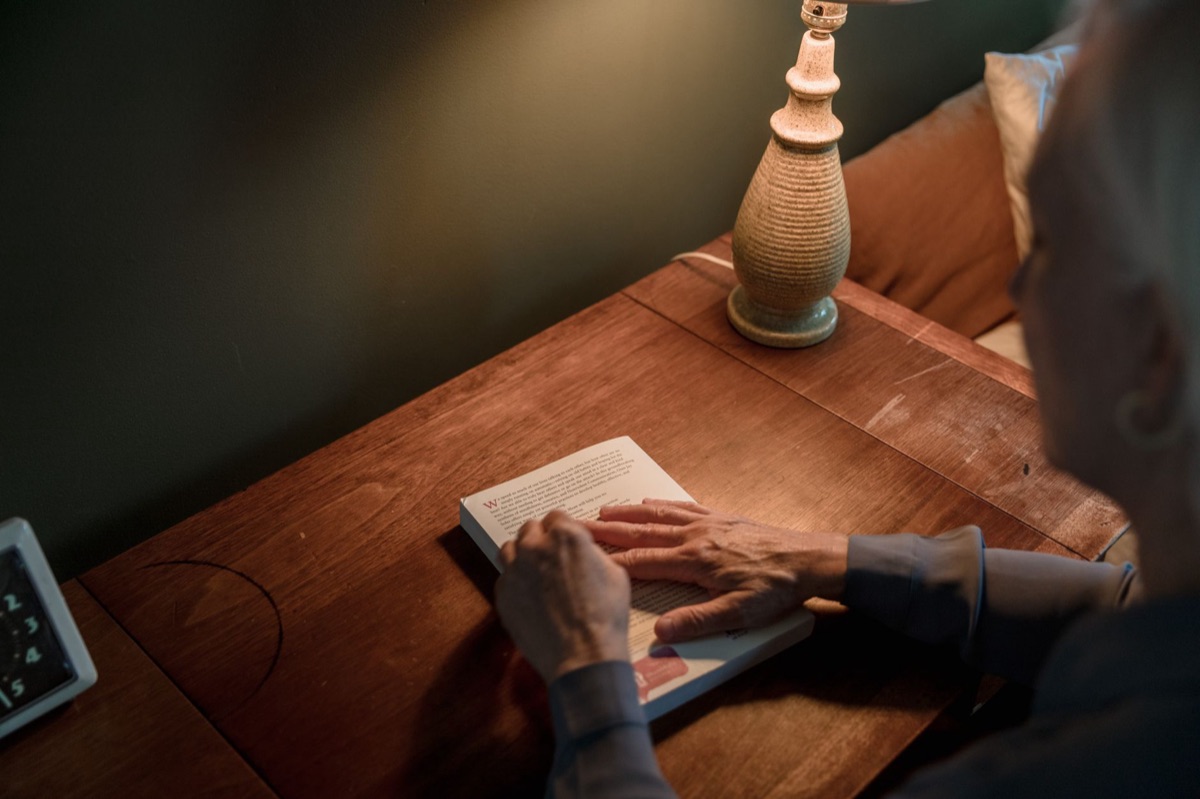
How to choose the right LED lighting for your workspace
A professional sits in a sleek office in mid-2026, leaning back as the warm glow of a high-quality lamp illuminates a stack of papers without casting a single harsh shadow. The light feels soft, almost as if it is part of the atmosphere rather than an intrusive beam.
When shopping for LED bulbs, the Color Rendering Index (CRI) is a critical factor. A CRI rating indicates how accurately a light source reveals the true colors of objects.
Choosing bulbs with a CRI of 90 or higher prevents color distortion and reduces the subtle eye strain caused by "muddy" visual environments.
Color temperature, measured in Kelvin (K), also dictates how your brain perceives the environment: * 4000K–5000K (Cool White): This spectrum mimics daylight and is ideal for high-focus tasks like studying or detailed office work.
* 2700K–3000K (Warm White): This spectrum is easier on the eyes in the evening, helping to minimize the impact of blue light on sleep cycles.
Furthermore, look for "flicker-free" technology. Many cheap LED bulbs use pulse-width modulation to dim or control brightness, creating an invisible flicker that the human eye senses even if we cannot consciously see it.
This invisible flickering is a frequent, hidden cause of chronic headaches and eye strain. Always choose adjustable dimmers to allow your environment to change as the sun goes down.
The problem is that even the best bulbs can cause issues if they are placed in the wrong spot.
How to arrange your desk lighting to eliminate glare
The sun hits a glass-topped desk at midday, creating a blinding white patch that makes reading the monitor impossible. The user shifts their chair, leaning awkwardly to avoid the reflection, only to find the glare has moved to a different part of the screen.
To prevent this, follow the 90-degree rule. Position your desk lamps so the light source is perpendicular to your line of sight, preventing direct light from hitting your eyes or reflecting off your monitor.
If you are using a lamp, it should illuminate the work surface without the bulb being visible in your peripheral vision.
Dealing with "specular reflection"—the mirror-like reflection of light off a screen—is the most common challenge for digital workers. To combat this, use indirect lighting methods.
Instead of pointing a bulb directly at your desk, try "wall-washing," where light is bounced off a wall or ceiling to create a soft, diffused ambient base. This ensures the light is spread evenly across the room, reducing the harsh contrast between the screen and the background.
Always ensure your monitor brightness is calibrated to match the ambient light level of the room; if the screen looks like a glowing beacon in a dark room, the contrast is too high.
Once you have the light sources placed, you need a plan to synchronize them.
Step-by-Step: Setting up your optimal eye-friendly workspace
A worker arrives at their home office in early 2026, clears the clutter from the desk, and begins the ritual of adjusting the lamps to create the perfect environment. They don't just turn on a switch; they layer the light to match their mood and task.
Follow these steps to build a workspace that protects your vision:
- Step 1: Ambient Base: Start by setting up soft, diffused ceiling or floor lighting. This eliminates dark shadows in the corners of the room which cause eye strain.
- Step 2: Task Layering: Add a dedicated desk lamp for specific tasks like reading or writing. This provides the necessary "punch" of light where you need it most.
- Step 3: Screen Calibration: Adjust your monitor brightness. The goal is to make the white of a digital page look similar in intensity to a physical piece of paper in your room.
- Step 4: Position Check: Sit in your chair and look around. Ensure no light source is visible in your peripheral vision and that there are no "hot spots" reflected on your monitor glass.
- Step 5: The 20-20-20 Check: Once the lights are set, incorporate the rule of looking at something 20 feet away for 20 seconds every 20 minutes to reset your focus.
| Light Type | Best Use Case | Primary Benefit |
|---|---|---|
| Ambient Light | General room illumination | Reduces dark shadows & contrast |
| Task Light | Reading, writing, detailed work | Provides clarity for close work |
| Accent Light | Decor & atmosphere | Reduces visual monotony |
When I tried this setup in my own office last year, I noticed that the most important change wasn't adding more light, but adding more layers.
Common mistakes that ruin your eye health
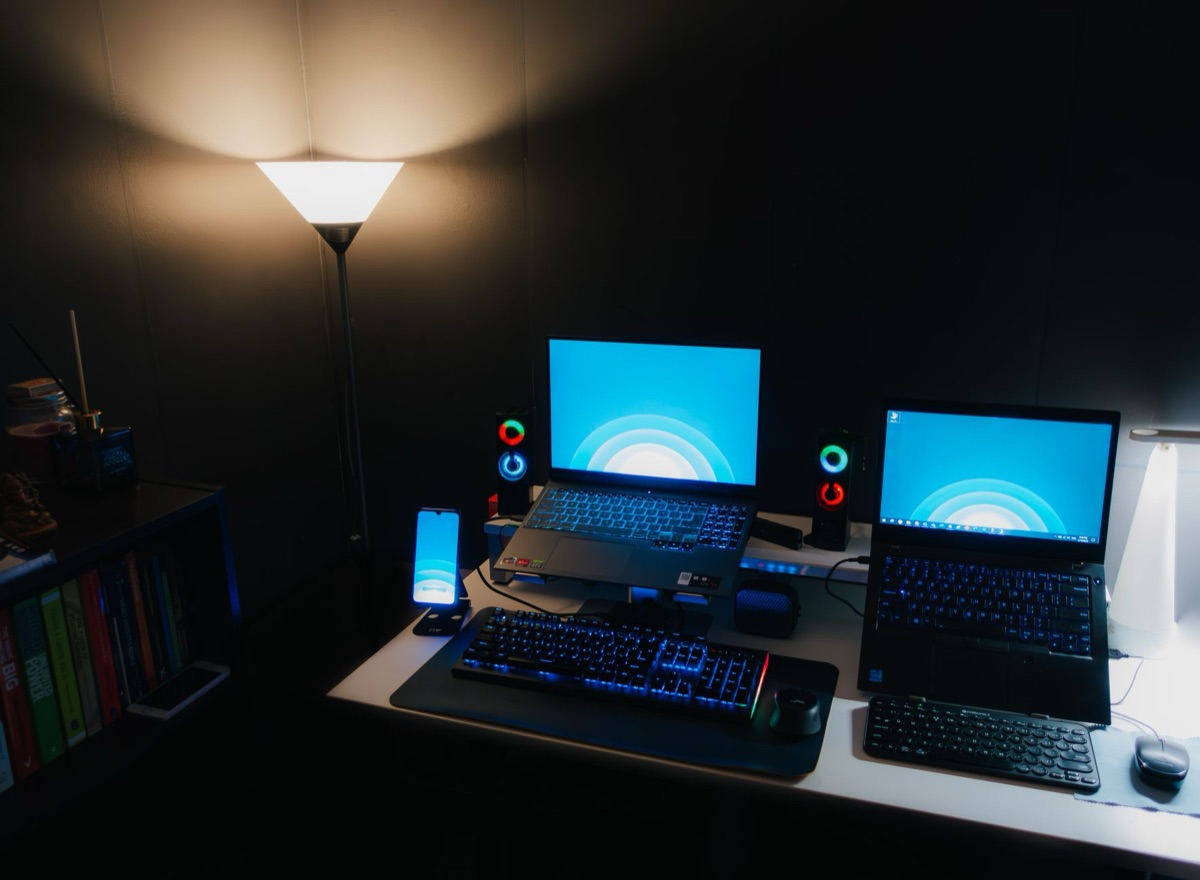
A tired employee rubs their eyes while staring at a bright monitor in a pitch-black room, the blue light washing over their face like a spotlight. The contrast is so sharp that their eyes feel heavy and strained within minutes.
Many people fall into the "Dark Room" mistake. Working on a bright monitor in a pitch-black room creates extreme contrast, which forces the pupils to struggle between the bright screen and the dark surroundings. This is one of the fastest ways to induce eye fatigue.
Another error is the "Single Source" mistake. Relying solely on one powerful overhead light without any task lighting creates harsh shadows and uneven illumination. Similarly, the "Direct Glare" mistake—pointing bright bulbs directly at your face—is an immediate cause of discomfort.
Finally, ignoring "Blue Light" spikes by using overly cool-blue lights late at night can disrupt your sleep and cause digital eye strain.
Comments 0